OPDSYour books
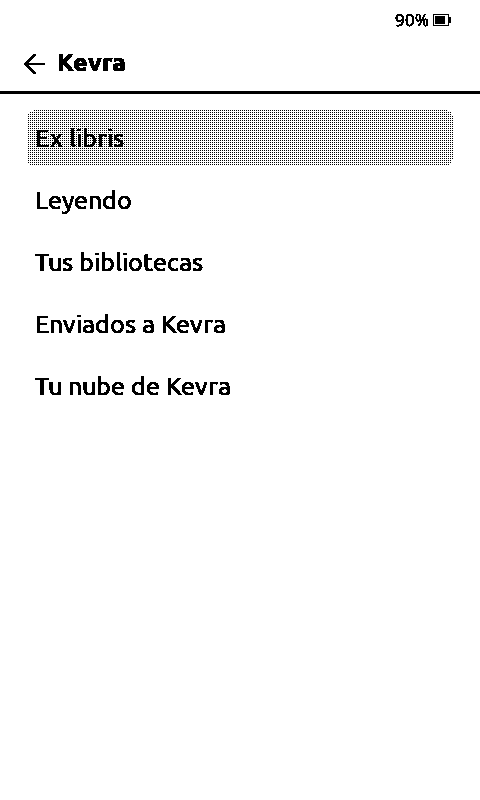
Your Kevra catalogue
Ex libris, what you're reading, your libraries and search, from any app with OPDS.
Supported devices
Kevra is on your phone, your tablet and your ereader, with the same account. Your progress follows you from one to the next. Here's what it does on each device, what it doesn't, and how to install it.
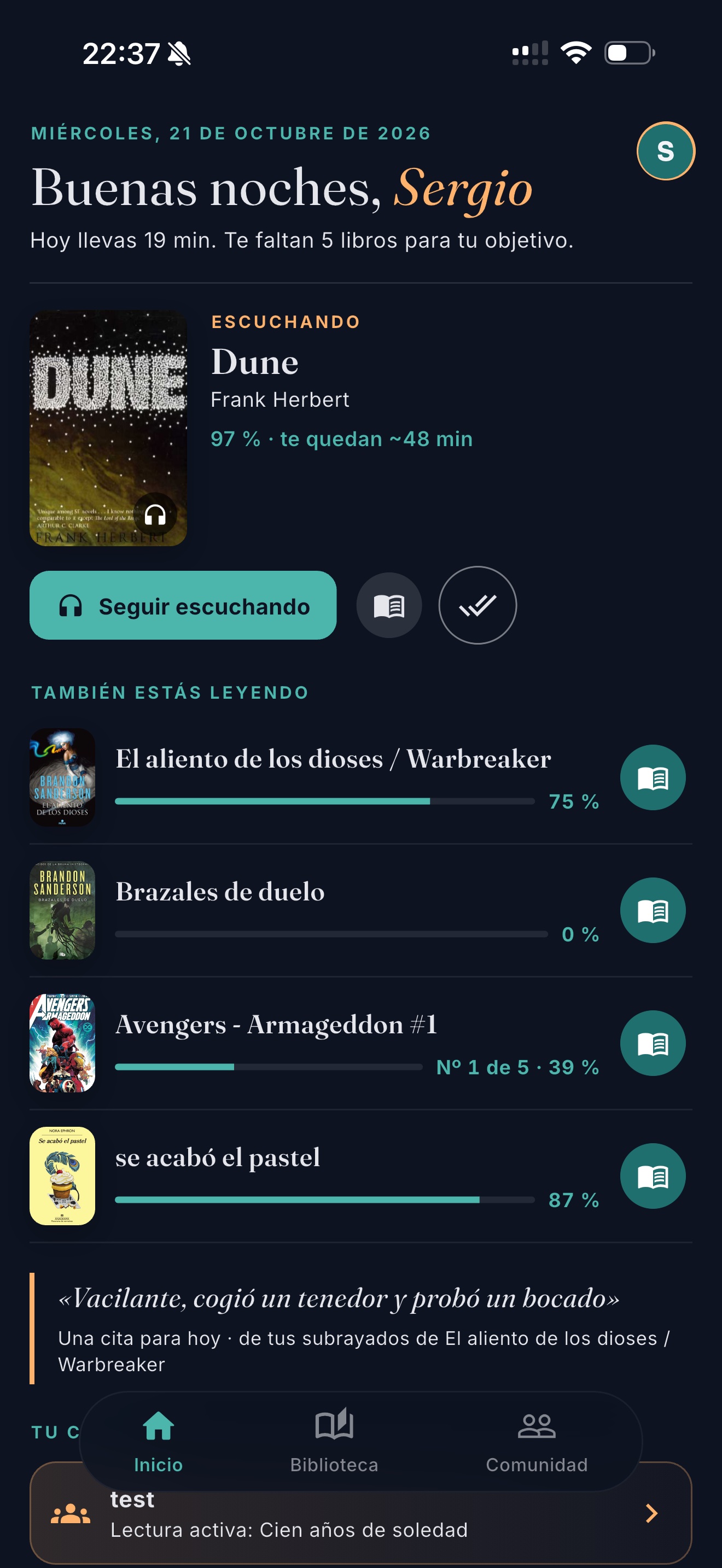
All of Kevra, nothing cut. It's home to the spoiler-free companion, the social side, audiobooks and stats, and where you link your other readers.
Any e-ink reader running Android. It's the same app, but it switches to e-ink mode on its own: pure black and white, bigger text and nothing that moves.
A Kevra app that lives on your Kobo, alongside Kobo's own. Open a book and it's right where you left it on your phone, without pressing a thing.
Xteink's pocket readers, with CrossPoint, their open-source firmware, and the Kevra plugin. The page installs everything and first saves a backup so you can go back to the factory firmware.
If you already read with KOReader (jailbroken Kindle, Kobo, PocketBook) or another app, connect it to Kevra through two standards: the OPDS catalogue for your books and KOReader Sync for your progress. You'll find the details in the app: Settings → Other readers.
Ex libris, what you're reading, your libraries and search, from any app with OPDS.
To and from your phone when you sync, plus an estimated reading time.
Amazon won't let you install anything. With KOReader, if you jailbreak it, yes.
Kevra brings together what you have, without moving it. And with some servers, your progress goes back to the server too.
Your folders as your library. Books download straight to you, never through Kevra.
Through their OPDS catalogue, just like COPS or Ubooquity.
Books and comics; comics are read without downloading them.
Your books and audiobooks from your media library.
Any folder over WebDAV.
Your audiobooks: stream them or download them, with chapters.
Thousands of public-domain books, in Spanish and English.
«Open with Kevra» from any app, or import from Goodreads.
| iPhone · iPad | Android | Boox · PocketBook | Kobo | Xteink | KOReader | |
|---|---|---|---|---|---|---|
| Read books | ● | ● | ● | ● | ● | ● |
| Comics and PDFs | ● | ● | ● | — | — | depends on the app |
| Audiobooks | ● | ● | ● | — | — | — |
| Your library and your clouds | ● | ● | ● | ● | ● | via OPDS |
| Synced progress | ● | ● | ● | ● | on sleep; fetch with a button | with a button |
| Highlights and notes | ● | ● | ● | ● | — | — |
| Spoiler-free companion | ● | ● | ● | ● | — | — |
| Streak and reading time | ● | ● | ● | ● | ● | estimated |
| How to install | Store | Store | Store | From the web | From the web | Settings |
Tell us which one and we'll take a look. Many work with KOReader or the Android app.